
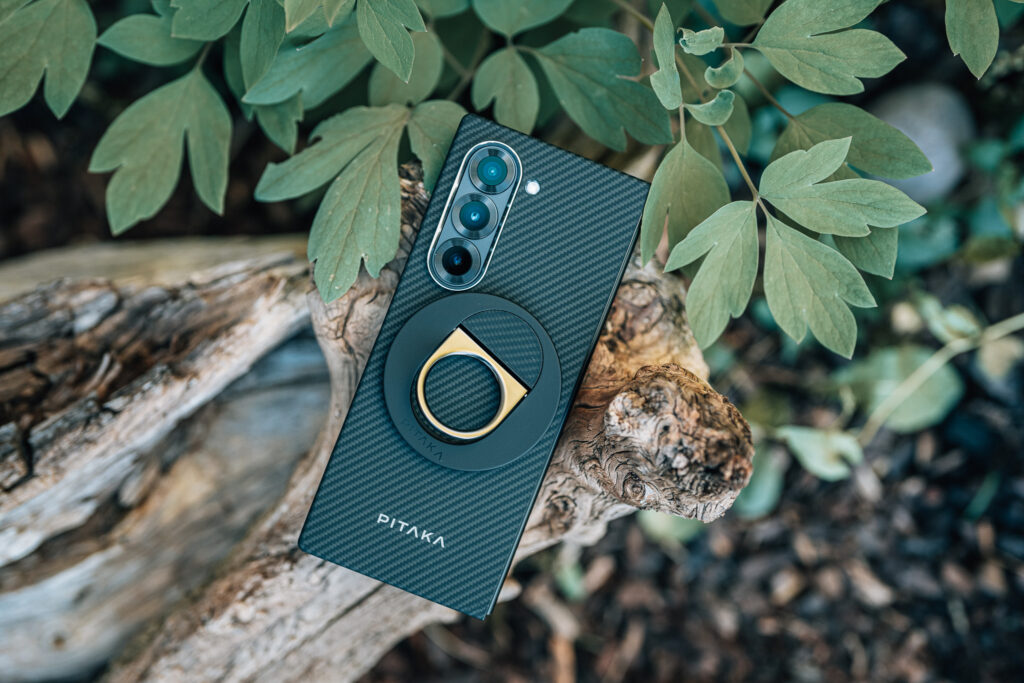
Samsung Galaxy Ultimate Guide
Unlock the full potential of your Samsung Galaxy Smartphone!
About This Class
Unlock the full potential of your Samsung Galaxy Smartphone! This course covers everything from basic setup to advanced features, perfect for beginners and intermediate users. Learn to navigate One UI interface, master the S Pen, optimize productivity with multi-tasking tools, and capture stunning photos and videos. You’ll confidently use your Galaxy Smartphone to its fullest capacity.
Course Overview
The Samsung Galaxy Smartphone Mastery Course is designed to empower users with the knowledge and skills to fully utilize their cutting-edge smartphone. This comprehensive video course, spanning approximately 2.5 to 3 hours, is tailored for beginners and intermediate users who want to unlock the device’s full potential.
Course Objectives:
- Master the unique features of the Galaxy Phone design
- Optimize device settings for personalized use
- Enhance productivity with multi-tasking and S Pen integration
- Explore advanced camera capabilities for photography and videography
- Troubleshoot common issues and maintain device performance
Key Topics Covered:
- Device Introduction and Setup: Begin with an overview of the Galaxy One UI design, followed by a step-by-step guide to initial setup and configuration.
- User Interface Navigation: Learn to effortlessly navigate your phone, mastering gestures and customizing your experience.
- Essential Android and Samsung Features: Dive into core Android functionalities and explore Samsung’s unique offerings, including pre-installed apps and the Galaxy ecosystem.
- Maximizing the Fold Experience: Discover how to leverage the large screen for enhanced productivity, including split-screen multitasking, App Continuity, and Flex mode applications.
- S Pen Mastery: Unlock the potential of the S Pen with lessons on note-taking, drawing, and utilizing air commands and gestures.
- Advanced Productivity Tools: Explore connectivity options with external devices, Samsung DeX mode, and effective data management strategies.
- Camera and Photography: From basic shooting modes to advanced techniques, learn to capture stunning photos and videos using the Galaxy Phone’s versatile camera system.
- Troubleshooting and Maintenance: Ensure long-term performance with tips on software updates, problem-solving, and device care, with a focus on maintaining the folding screen.
Throughout the course, you’ll benefit from practical demonstrations, real-world examples, and insider tips to enhance your Galaxy Smartphone experience. Whether you’re looking to boost productivity, explore creative possibilities, or simply make the most of your device’s features, this course provides the knowledge you need to become a Galaxy Phone power user.
By the end of the course, you’ll have the confidence to fully utilize your device’s capabilities, transforming the way you work, create, and communicate with your Samsung Galaxy Smartphone.
100% Money-back Guarantee
If you are unsatisfied with the course, or you didn’t learn what you expected, we have a 30-day money-back guarantee.
My goal is to make sure you understand your Galaxy Smartphone. I am always taking feedback from students and improving my courses. My goal is to cut to the chase and help you get the most out of your technology.